
Windows
Windows 10 and 11
Other formats: Portable (.zip)
If Windows warns about an unknown publisher, click “More info” → “Run anyway”.
A free launcher that installs modpacks, mods and the right Java for you. Pick a modpack, hit Play. That's it.
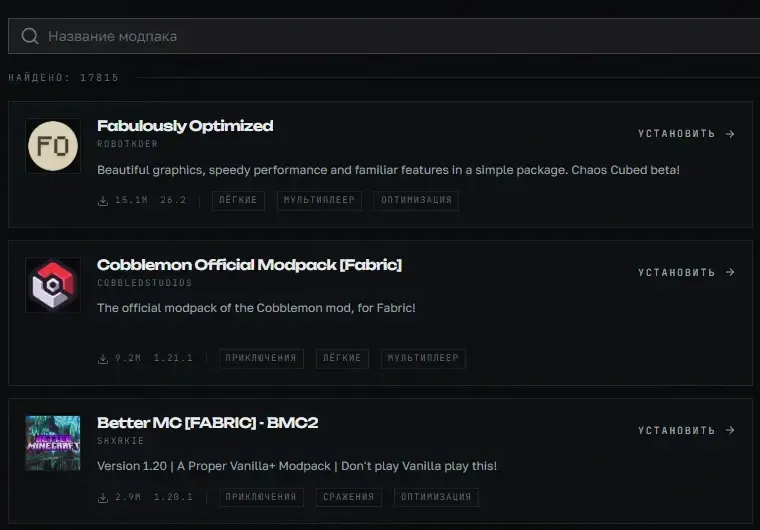
Browse Modrinth and CurseForge right in the launcher. Found one you like? Hit Install and it grabs the mods, configs and everything else.
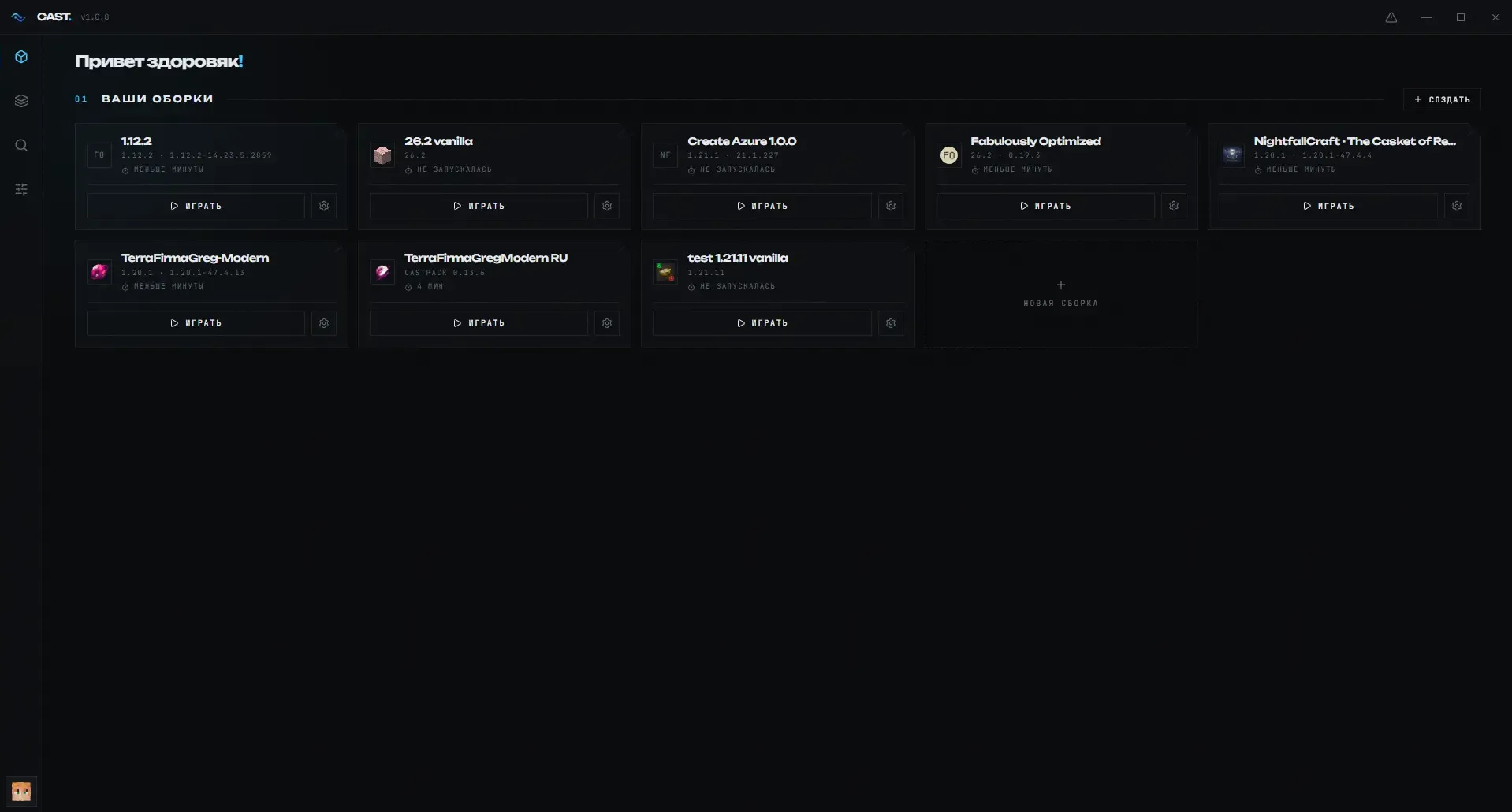
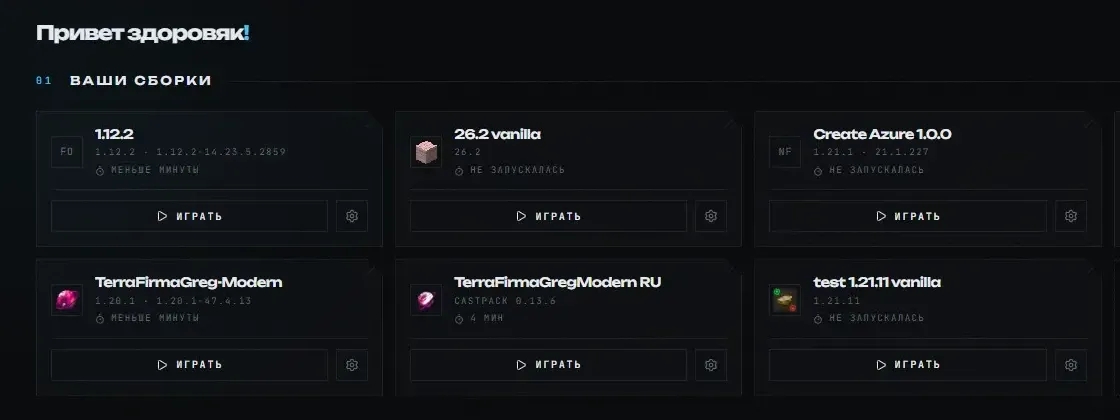
Vanilla, Forge, Fabric or NeoForge: each one keeps its own mods, worlds and settings. Nothing gets mixed up or breaks something else.
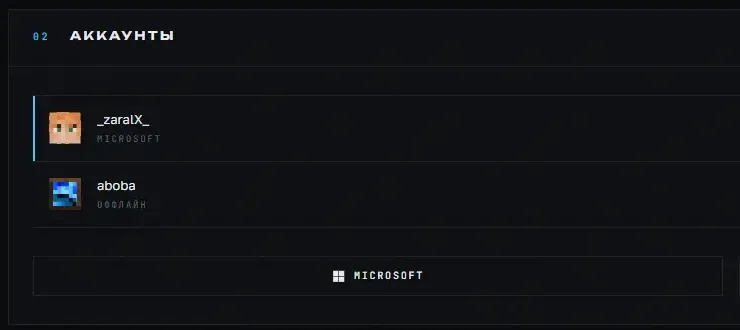
Sign in with your Microsoft account or play with an offline one. Add a few and switch in a second.
The launcher finds or downloads the right version.
Bring your Prism Launcher and Modrinth App modpacks without redownloading.
Change your skin and see how it looks right away.
New launcher versions install on startup.
Free, no sign-up, no ads.
Windows 10 and 11
Other formats: Portable (.zip)
If Windows warns about an unknown publisher, click “More info” → “Run anyway”.
macOS 10.15 or newer
The first time, open the launcher with right-click → “Open”.
64-bit
AppImage needs no install: allow the file to run and open it.